

Why is my NVMe M.2 PCIe 3.0 x4 2400MB/s 2280mm SSD not reaching its advertised speed
2026-10-27
You bought a NVME M.2 PCIE 3.0X4 2400mb/s 2280mm SSD from GUDGA, installed it, ran a benchmark, and saw numbers far below 2400MB/s. This is one of the most common support questions we receive, and in most cases the drive is working exactly as designed. The bottleneck usually sits elsewhere in the platform. Below is a professional breakdown of the real causes, how to diagnose them, and what to expect from your hardware.
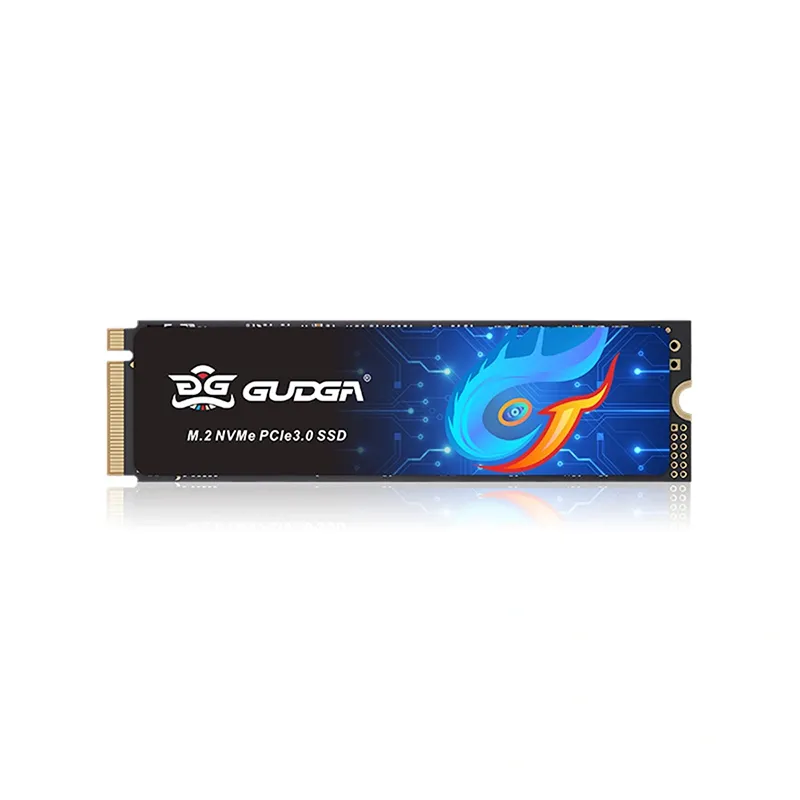
The Most Common Causes of Lower-Than-Advertised Speed
1. The M.2 slot is not wired for PCIe 3.0 x4
Many laptops and some desktop boards route the M.2 slot through the chipset at PCIe 3.0 x2, or through SATA only. A NVME M.2 PCIE 3.0X4 2400mb/s 2280mm SSD in an x2 slot is capped near 1700MB/s. Check your motherboard or laptop manual for the slot's lane configuration.
2. The drive is running at PCIe 3.0 x2 or x1 due to a shared lane
On some platforms, installing a device in a second M.2 slot or a SATA port disables lanes. Verify with CrystalDiskInfo: it reports the current PCIe link width and speed.
3. Thermal throttling under sustained load
A 2280mm SSD without a heatsink can throttle after long writes. Short burst benchmarks look fine; sustained tests drop. Monitor drive temperature during a 10-minute sequential write.
4. Testing methodology is wrong
CrystalDiskMark default runs are short. Advertised 2400MB/s is a sequential read figure measured under ideal conditions. Random 4K and mixed workloads are far lower by design.
5. Old firmware or an outdated storage driver
Windows' generic NVMe driver is usually fine, but vendor firmware updates occasionally fix link-training bugs. Check the GUDGA support page for firmware and notes.
6. The drive is nearly full or the SLC cache is exhausted
Consumer SSDs use a dynamic SLC cache. Once it fills, write speed falls to TLC native speed. Keep at least 15–20% free space.
Diagnostic Reference Table
| Symptom | Likely Cause | Verification Method | Action |
|---|---|---|---|
| ~1700MB/s ceiling | PCIe 3.0 x2 link | CrystalDiskInfo link width | Move to an x4 slot |
| ~850MB/s ceiling | PCIe 3.0 x1 or SATA mode | Check BIOS M.2 mode | Enable PCIe mode |
| Drops after 30–60s | Thermal throttling | Monitor temp during write | Add heatsink, improve airflow |
| Low 4K random only | Normal architecture | Compare to spec sheet | No action needed |
| Speed falls as drive fills | SLC cache exhausted | Test at 50% and 90% full | Free up space |
| Inconsistent results | Background load, power plan | Repeat test, set High Performance | Re-run in clean state |
FAQ
Q: Why does my NVME M.2 PCIE 3.0X4 2400mb/s 2280mm SSD show only about 1700MB/s in benchmarks?
A: The most probable cause is that the M.2 slot is electrically wired for PCIe 3.0 x2 rather than x4, which caps theoretical bandwidth near 2000MB/s and real-world throughput near 1700MB/s; confirm the link width in CrystalDiskInfo and consult your motherboard manual for the slot's lane allocation before assuming a drive fault.
Q: Is 2400MB/s a guaranteed speed for every NVME M.2 PCIE 3.0X4 2400mb/s 2280mm SSD workload?
A: No. The 2400MB/s figure refers to sequential read under ideal conditions with an empty SLC cache and adequate cooling; random 4K, mixed read-write, and post-cache sustained writes are substantially lower by design, so always compare your results against the correct test type rather than a single headline number.
Q: Can a GUDGA NVME M.2 PCIE 3.0X4 2400mb/s 2280mm SSD throttle in a laptop, and how do I fix it?
A: Yes, thin laptops often lack airflow over the 2280mm SSD, causing thermal throttling during sustained writes; install a slim graphene or copper heatsink if clearance allows, raise the rear of the chassis, clean the vents, and verify temperatures stay below the throttle threshold during a sustained write test.
Final Thoughts
Most "slow SSD" cases trace back to link width, thermal limits, or test methodology, not the drive itself. Run CrystalDiskInfo first, confirm x4 link speed, then test temperature under sustained load. If your GUDGA NVME M.2 PCIE 3.0X4 2400mb/s 2280mm SSD still underperforms after these checks, our engineers will review your benchmark logs and system configuration directly.
Contact us at GUDGA support with your CrystalDiskInfo screenshot and CrystalDiskMark results, and our technical team will help you confirm whether the drive, the slot, or the platform is limiting performance.