

What Size LCD Display Works Best for Office Meeting Solutions in Large Conference Rooms
2026-08-18
Choosing the correct screen size for a large conference room is one of the most critical decisions when deploying Office Meeting Solutions By LCD Display. A display that is too small forces participants to squint, reducing engagement and slowing decision-making. A screen that is too large overwhelms the space, creates viewing fatigue, and wastes budget. For enterprises standardising their meeting infrastructure with Cuhub, the optimal size is not a guess—it is a calculation based on room dimensions, seating layout, and content type.
The industry gold standard follows the 4‑6‑8 rule: for every foot of viewing distance, the screen diagonal should measure at least 4 inches for general content, 6 inches for detailed spreadsheets or engineering drawings, and 8 inches for 4K video or fine text. In a typical large conference room (seating 12‑20 people), the viewing distance ranges from 8 to 18 feet. This places the ideal LCD display size between 85 inches and 110 inches. However, Cuhub recommends a more precise three‑step methodology to match the display to your specific room.
Step 1: Measure the Maximum Viewing Distance
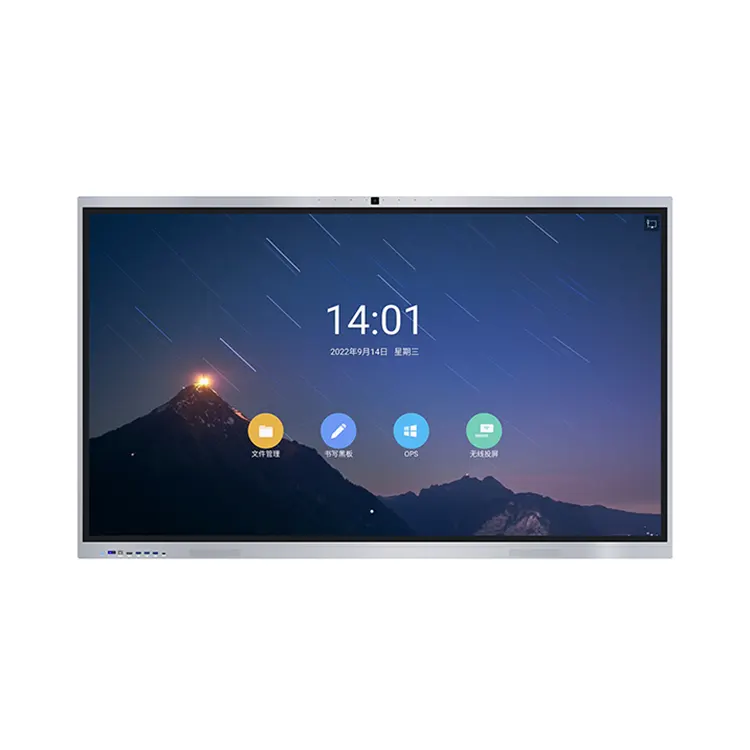
The farthest seat from the screen defines your minimum size. Multiply that distance (in feet) by 6 for standard business content. For example, if the back row is 15 feet away, you need at least a 90‑inch diagonal. For heavy data analysis or CAD work, multiply by 8—that same room would require a 120‑inch display. Cuhub interactive panels are available in 86″, 98″, and 110″ sizes, covering 90% of large‑room scenarios without the complexity of multi‑screen splicing.
Step 2: Account for Ceiling Height and Mounting Position
Large rooms often have high ceilings (9‑12 feet). The centre of the LCD display should be at eye level when seated (approximately 42‑48 inches from the floor). If the mount must be higher to clear furniture or podiums, increase the size by 10‑15% to compensate for the vertical viewing angle. Cuhub’s engineering team provides free mounting audits to ensure every Office Meeting Solution By LCD Display achieves optimal ergonomics.
Step 3: Match Resolution to Viewing Intensity
At 4K resolution, pixels become invisible at distances beyond 1.5 times the diagonal. An 86‑inch screen is perfectly sharp from 10 feet away; a 98‑inch screen extends that comfort zone to 14 feet. For rooms over 20 feet deep, Cuhub often deploys dual 86‑inch displays side‑by‑side, creating a combined canvas of over 170 inches—ideal for split presentations or real‑time data monitoring.
Recommended Sizes by Room Capacity (Reference Table)
| Room Capacity | Seating Depth (ft) | Recommended LCD Diagonal | Best Cuhub Model |
|---|---|---|---|
| 12‑15 people | 10‑14 | 86″ | Cuhub Pro 86 |
| 16‑20 people | 14‑18 | 98″ | Cuhub Max 98 |
| 20‑25 people | 18‑22 | 110″ or dual 86″ | Cuhub Dual‑Link |
| Boardroom >25 | 22+ | Custom dual/triple array | Cuhub Enterprise |
Note: These figures assume a 16:9 aspect ratio and standard 4K content. For 1080p sources, reduce the recommended size by one tier to maintain clarity.
Beyond Size – The Hidden Factors
Size alone does not guarantee effective meetings. Brightness (minimum 400 nits for rooms with controlled lighting, 700+ nits for glass‑walled spaces), viewing angle (178° recommended), and touch responsiveness (for interactive Office Meeting Solutions By LCD Display) are equally vital. Cuhub integrates all these parameters into a single SKU, eliminating the guesswork of mixing third‑party components.
Furthermore, large displays demand robust mounting hardware and cable management. A 98‑inch panel weighs approximately 70‑80 kg. Cuhub provides certified installation partners who assess wall structure, power proximity, and network drops before any unit is unboxed.
FAQ – Common Questions About Office Meeting Solutions By LCD Display
Q: Can I use a consumer‑grade 85″ TV instead of a commercial LCD display for my large conference room?
A: Technically yes, but it is strongly discouraged. Consumer TVs lack 24/7 operation cooling systems, have slower panel response times for stylus input, and do not support daisy‑chaining or RS‑232 control for room automation. More critically, they offer no integrated whiteboarding or wireless casting protocols (Miracast, AirPlay, ClickShare) that are standard in Office Meeting Solutions By LCD Display. A commercial unit from Cuhub also includes a 3‑year on‑site warranty, whereas consumer warranties typically exclude commercial use. Over a 5‑year lifecycle, the total cost of ownership for a consumer TV often exceeds that of a purpose‑built display due to repairs, adapters, and shorter replacement cycles.
Q: How do I decide between a single large display and two smaller displays in a very wide room?
A: The decision hinges on your primary use case. If the room is used for sequential presentations—one speaker at a time, full‑screen slides—a single 98″ or 110″ LCD display is preferable because it offers a unified focal point. If the room frequently hosts side‑by‑side comparisons (e.g., quarterly results vs. forecast models) or requires persistent video conferencing alongside shared documents, dual 86″ Cuhub screens are superior. The dual configuration allows you to dedicate one screen to remote participants (gallery view) and the other to local content, reducing cognitive load. For extremely wide rooms (over 30 feet), Cuhub offers a 3‑panel mosaic that behaves as one logical desktop via built‑in video wall processors.
Q: What is the ideal viewing angle and seating curve for a 98‑inch display?
A: For a 98‑inch LCD display, the optimal horizontal viewing angle is within 60° of the screen centre—this corresponds to seats placed no more than 45° off‑axis. In practice, that means the outermost seats should be no closer than 1.5 times the screen width from the side edges. For a 98″ unit (width ~86″), the outermost chairs should be at least 10 feet from each side wall. Seating should be arranged in a gentle arc(slight curve) rather than straight rows, keeping all participants within the 178° viewing cone that Cuhub panels deliver. If your room has fixed straight‑row seating, consider angling the outer seats inward or increasing the screen size to 110″ to compensate for the off‑angle loss of colour and contrast.
Final Verdict – Size with Strategy
There is no one‑size‑fits‑all answer, but a repeatable framework: measure your back‑row distance, multiply by 6 (or 8 for data‑heavy work), then validate against your ceiling height and content resolution. For 90% of large conference rooms, 98 inches emerges as the sweet spot—large enough to command attention, yet practical in cost, mounting, and power requirements. Cuhub excels in this segment, offering 98″ 4K interactive panels with anti‑glare glass, built‑in 8‑mic arrays, and native Zoom/Teams certification.
Remember that the display is the centrepiece of your meeting ecosystem. Pairing the right size with Cuhub’s all‑in‑one compute module and cloud‑based management turns any large room into a high‑performance collaboration hub.
Ready to find the exact size for your boardroom?
Contact our Cuhub spatial design team for a complimentary 3D room simulation and mounting consultation. We will analyse your floor plan, lighting, and seating to recommend a tailored Office Meeting Solution By LCD Display—with a live demo delivered to your office within 48 hours. Transform your large conference room from a passive viewing space into an active decision‑accelerator today.