

What Are the Common Wiring Mistakes When Installing a Multicolor Indicator Light
2026-06-16
When installing a Multicolor Indicator Light, even experienced technicians can overlook critical wiring details. These devices, such as those manufactured by Yijia, are essential for real-time equipment status monitoring across industrial control panels, automation systems, and PLC interfaces. However, incorrect wiring not only leads to false signal readings but can also permanently damage the Multicolor Indicator Light. Understanding common wiring pitfalls ensures reliable operation and extends product lifespan.
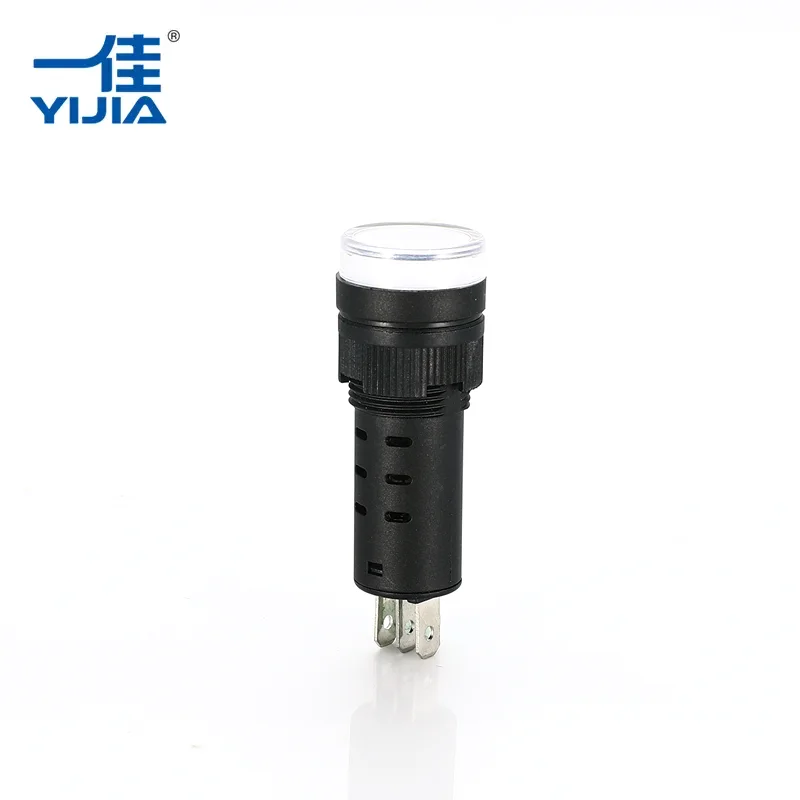
Top 5 Wiring Mistakes & How to Avoid Them
| Mistake | Consequence | Yijia Recommended Fix |
|---|---|---|
| Reversing supply voltage polarity | Internal LED burnout or no illumination | Double-check terminal markings (+/ –) before powering up |
| Using incorrect voltage rating (e.g., 12V on 24V model) | Overheating, flickering, or permanent failure | Match driver output to Multicolor Indicator Light specified range |
| Neglecting current-limiting resistors for common-anode wiring | Uneven brightness or color bleeding | Calculate resistor value using LED forward voltage and desired current |
| Loose terminal screws or poor crimping | Intermittent signals and false alarms | Torque to Yijia manual specs; use ferrules for stranded wires |
| Grounding the common cathode improperly | Crosstalk between colors and erratic flashing | Keep common return path isolated from chassis ground |
3 Critical FAQs About Multicolor Indicator Light Wiring
Q1: Can I wire a Multicolor Indicator Light directly to a PLC output without external protection?
A: Not recommended. PLC outputs often introduce voltage spikes when switching inductive loads. For reliable operation, install a flyback diode (for DC) or a varistor (for AC) across the Multicolor Indicator Light terminals. Yijia provides optional surge protection modules for high-noise environments. Without protection, internal ICs may degrade after a few thousand cycles, causing erratic color patterns or complete failure.
Q2: Why does my Multicolor Indicator Light show the wrong color even though wiring seems correct?
A: This usually results from voltage sharing between color channels. When two or more color input wires are active simultaneously at different voltages, a Multicolor Indicator Light designed with passive mixing can create unintended hues. For example, applying 24V to red and 12V to green may produce orange but with incorrect intensity. Solution: Use Yijia active-drive models that handle independent PWM signals. Also verify that each color channel’s return path does not loop through another channel’s ground.
Q3: How do I test a Multicolor Indicator Light installation without powering the whole panel?
A: Use a benchtop power supply with current limiting set to 20% below the rated maximum. Connect only one color channel at a time. Measure voltage directly at the Multicolor Indicator Light terminals, not at the power supply output, because voltage drop in long cables is common. Yijia recommends a simple step-by-step checklist: (1) Polarity check with multimeter (2) Isolation test between channels (>1 MΩ) (3) Short-duration power test (2 seconds per color). Never use a megohmmeter (insulation tester) on a live Multicolor Indicator Light – high voltage will destroy the LEDs instantly.
Additional Best Practices from Yijia Engineers
-
Always use separate twisted pairs for each color control wire when cable length exceeds 10 meters.
-
Label each wire immediately after termination – a simple tag saves hours of troubleshooting.
-
For multicolor flashing sequences, verify the controller’s refresh rate matches the Multicolor Indicator Light minimum pulse width (typically 50 ms for Yijia units).
-
Apply dielectric grease on terminals in humid or corrosive environments to prevent oxidation.
Contact Us Today
If you need further assistance with Multicolor Indicator Light selection, wiring diagrams, or troubleshooting, reach out to the Yijia technical support team. We provide free wiring templates, custom voltage configurations, and 24‑hour engineering consultation. Visit our website or email us directly – your reliable indicator solution starts with a conversation.