

How To Troubleshoot Common Problems With An AC Frequency Converter
2026-01-07
Navigating issues with an AC Frequency Converter can be daunting, but with a systematic approach, many common problems can be identified and resolved efficiently. As a leader in industrial solutions, SPX understands that consistent performance is critical for your operations. This guide outlines a professional troubleshooting methodology to minimize downtime and ensure your equipment runs smoothly.
Before beginning any troubleshooting, always ensure the system is safely powered down and locked out to prevent accidental startup. Begin with a visual inspection for obvious signs of damage, overheating, loose connections, or dust accumulation.
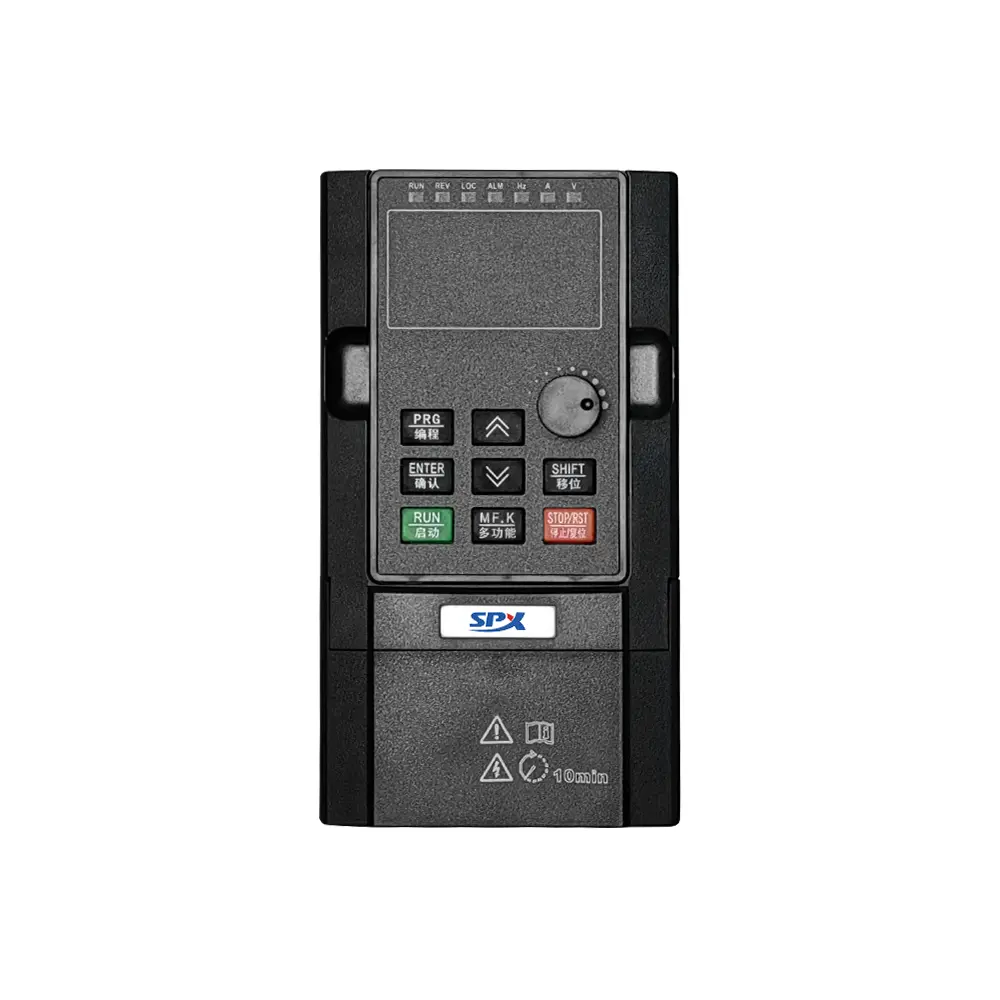
A Step-by-Step Troubleshooting Checklist
Follow this logical sequence to isolate the issue:
-
Verify Power Supply: Check the input voltage and current. An unstable or incorrect power supply is a frequent culprit.
-
Inspect Motor Connections: Ensure all motor wiring is secure and correctly sized according to the AC Frequency Converter specifications.
-
Review Parameter Settings: Incorrect acceleration/deceleration times, minimum/maximum frequency limits, or motor parameter settings can cause operational failures.
-
Monitor Error Codes: Modern converters display fault codes. Consult the SPX manual to decode these messages for precise diagnostics.
-
Check the Load: A jammed or overloaded motor will trip protective functions. Manually rotate the motor shaft if possible.
Common Fault Codes and Their Likely Causes
This quick-reference table aligns typical issues with their potential sources.
| Fault Code/Issue | Primary Cause | Immediate Action |
|---|---|---|
| Overcurrent (OC) | Motor short circuit, excessive load, rapid acceleration. | Check motor windings, reduce load, increase acceleration time. |
| Overvoltage (OV) | Regenerative energy from deceleration, high line voltage. | Increase deceleration time, verify input voltage, consider a braking resistor. |
| Undervoltage (UV) | Low input voltage, phase loss, main circuit fault. | Measure incoming power, check fuses and contactors. |
| Overheating (OH) | Clogged heatsink, high ambient temperature, fan failure. | Clean cooling fins, ensure proper ventilation, check cooling fan. |
AC Frequency Converter FAQ
What should I do if my motor vibrates or makes unusual noise when started with the converter?
This is often caused by incorrect parameter settings. Ensure the carrier frequency is not set too low and that the motor’s rated voltage, current, and base frequency parameters are entered accurately into the SPX AC Frequency Converter. An imbalance between voltage and frequency (V/Hz ratio) can also lead to these symptoms.
Why does my AC Frequency Converter trip immediately upon power-up?
A direct short circuit on the output is the most likely reason. Immediately disconnect power and check the wiring between the converter and the motor for damaged insulation or pinched cables. Also, inspect the motor itself for winding faults. Do not attempt repeated startups until the fault is found.
How can I prevent frequent overload alarms without reducing my process demand?
First, verify that the motor size is adequately matched to the load and the SPX converter’s capacity. If sizing is correct, check the thermal protection settings. You may need to adjust the overload protection curve or install an auxiliary cooling system to improve thermal management, allowing the unit to handle the required current without tripping.
Following a structured plan is key to effective troubleshooting. By methodically checking power, connections, parameters, and load conditions, you can quickly restore functionality. For complex faults or persistent issues, leveraging expert support ensures a swift and reliable resolution.
Is your operation facing a persistent or complex challenge with your drive system? Contact us today. Our technical specialists at SPX are ready to provide expert diagnostics and support to keep your productivity on track.